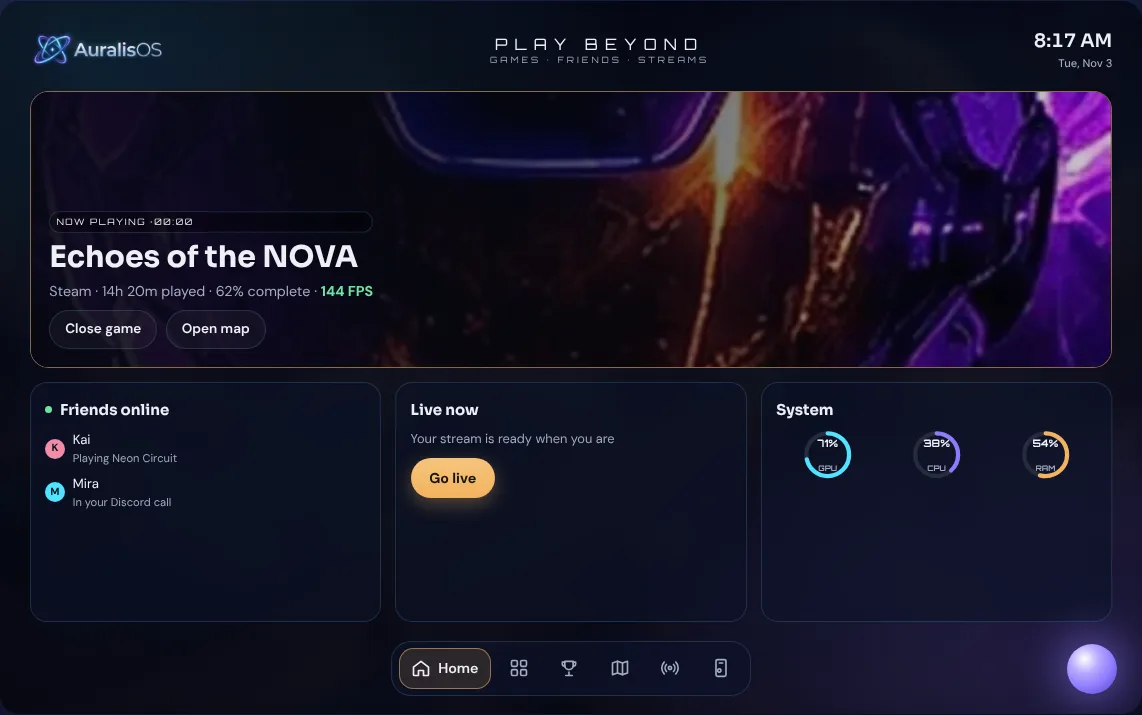
The game never gets covered
Everything lives on its own screen beside you. No overlays, no alt-tabbing, no pausing.

NEVER LEAVE YOUR GAMEAuralisOS · Games · Friends · Streams
Your game gets the big screen. Everything else gets AuralisOS: every launcher, your friends, quests, stream controls and your whole collection, on a touchscreen beside your PC. Giga, your buddy, is built in to help.
The problem
 Be honest. Discord, a quest, a download, your music, a recording…
What AuralisOS is
AuralisOS is the second screen for your gaming life. Your game keeps the main screen. Every launcher, your friends, quests, stream controls and your whole collection, digital and physical, live beside it.
A small app on your PC links your launchers, saves and hardware to AuralisOS. Your data stays on your PC.
A 14-inch touchscreen companion and the OS that runs it. Everything you'd normally alt-tab for.
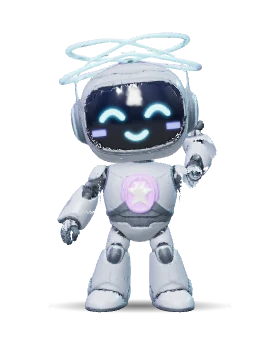
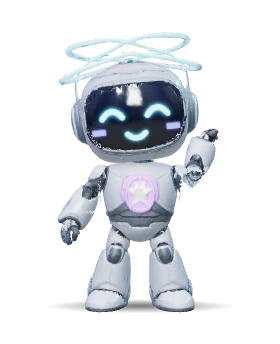
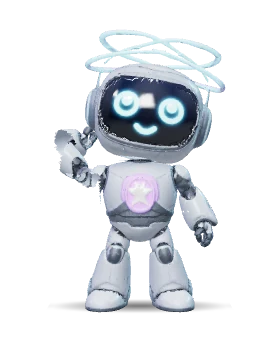
Lives inside AuralisOS to help you use it. Ask him to do things, get tips and reminders, or switch to Aura for a quieter helper.
Built around the player, not the platform
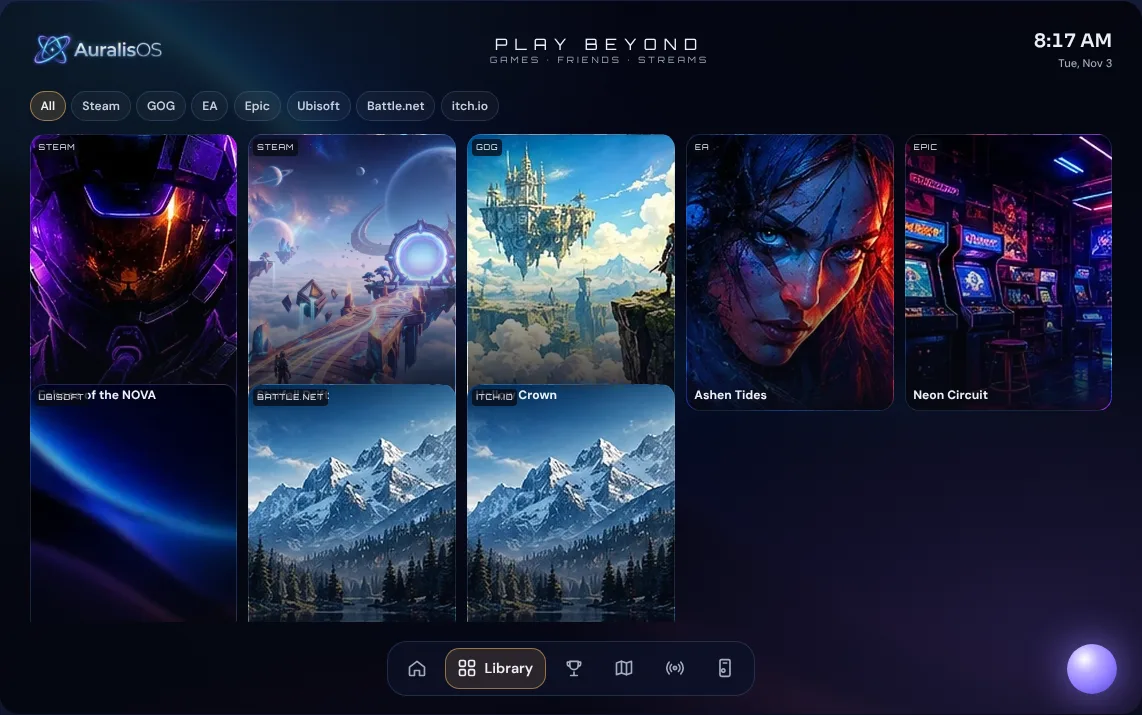
Other products do one or two of these. AuralisOS is built to do all six at once. Tap "Try it" and Giga will show you in the preview below.
Everything lives on its own screen beside you. No overlays, no alt-tabbing, no pausing.
Works with every store and pushes you toward none of them. No store, no subscription.
Your shelf of boxed games and your digital library live in one Collection.
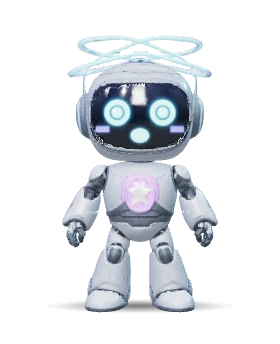
"Launch Hollow Crown, mute my mic and start recording" happens in one sentence. Ask Aura, or Giga if you want a buddy.
Launch a game and its controls, lighting, audio and stream scene switch to match it.
Themes, banners, profiles and animated art turn it from a tool into part of a setup you want to show off.
Try AuralisOS
A working preview with example games. Launch a game, take a screenshot, check deals, flip PC settings. Or tap Giga in the corner and just ask.
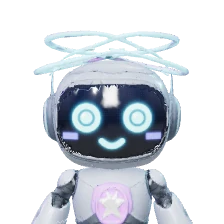 Ask Giga:
Preview with example games, friends and stats. Nothing here touches a real PC. The real AuralisOS fills it from yours.
While you play
Scroll through a real evening with AuralisOS on the Companion.
Tap a game on the Companion and it opens on your monitor. Its game profile kicks in: lights, audio, controls and stream scene switch to match.
Mirror your game's own map big on the side screen, or open Map Genie with every collectible, boss and secret.
Kai's Discord invite drops in on the Companion. Tap Join and your quest log is already beside you. The game never leaves the screen.
The whole screen celebrates every unlock on Steam, Xbox, GOG or RetroAchievements, bigger the rarer it is. Finish a game to 100% and you get a crown and fireworks.
Play-time tracking with break, water and stretch reminders, plus "where I left off" notes for next time.
Close the game from the Companion. Your saves back up automatically and the session is logged.
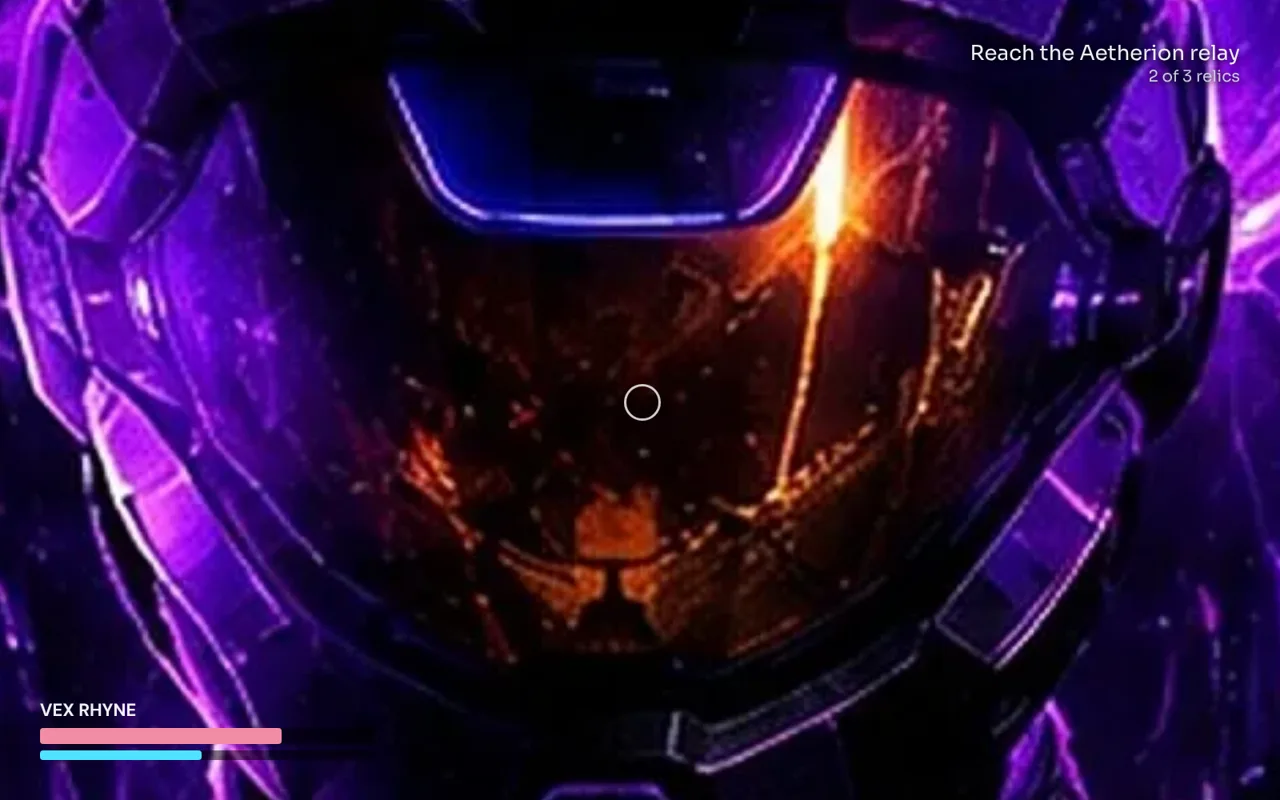
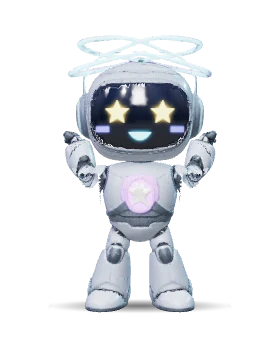 Achievement unlockedRelay RunnerEchoes of the NOVA
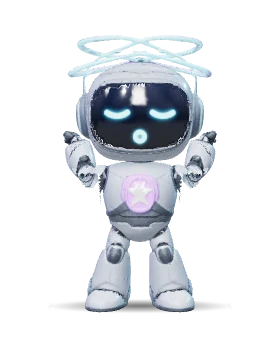 Two hours in!Stretch break? I'll keep your spot.
New in 0.17 · Achievement celebrations
Unlock something on Steam, Xbox, GOG or RetroAchievements and the whole screen celebrates it: the icon slams in, light rays, confetti and a fanfare. Finishing a game to 100% gets its own ceremony with a crown and fireworks.
In AuralisOS you choose: every unlock, rare ones only, 100% only or off, plus length, sound and whether it plays mid-game.
New in 0.17 · Themes, rebuilt
Overdrive's sun pulses with your graphics card, its grid races with your frame rate and the sky heats up with your GPU. In Abyss, jellyfish pulse with your PC, a school of fish swims by when a game starts and every tap lights up the plankton. Move the sliders and see.
THEME STUDIO
New in 0.17 · Player card
AuralisOS builds it from your real data: hours, games, achievements on every platform, perfect games, your collection and more. Pick what's on it, the look and the size, then post it to Discord in one tap or share it on X or Facebook. Try it with example stats.
What's in the build
Taken straight from the current test build. Every launcher you use, one library.
How AuralisOS fits in
AuralisOS isn't competing with the machines people play on. It works alongside them, and brings together what each of these tools does in part.
| Product | What it is | Separate screen beside the game | Neutral across stores | Physical collection | Where AuralisOS fits |
|---|---|---|---|---|---|
| AuralisOS | A companion OS on a touchscreen beside your PC | ✓Yes | ✓Yes | ✓Yes | Brings it all together around the player |
| Xbox Project Helix | Next Xbox, a console-PC hybrid | –No | –Built around Xbox and Game Pass | –No | A machine to play on. AuralisOS could sit right next to one. |
| Xbox PC app library | Shows games from other launchers in one list | –Same screen as the game | –Leads back to the Xbox store | –No | AuralisOS keeps the game's screen free and doesn't sell you anything. |
| Corsair Xeneon Edge | 14.5-inch touchscreen widget display | ✓Yes | –Built around Corsair iCUE | –No | A full companion OS, not just widgets, for any brand. |
| Elgato Stream Deck | Buttons and shortcuts | ~A small button grid | ✓Yes | –No | Aura Deck is one part of AuralisOS, not the whole product. |
| Playnite | Free launcher that combines libraries | –Runs on the PC | ✓Yes | –No | AuralisOS can use Playnite underneath and adds the second screen. |
| Steam Big Picture | Steam's full-screen interface | –No | –Steam only | –No | AuralisOS covers every store, plus chat, guides and setup controls. |
Based on public information about these products as of October 2026. Details may change.
See it in your space
Concept mockups of the Companion in real rooms, showing real AuralisOS screens. Pick a moment, drag to look around and zoom in on the screen. There's a peek at a future idea too.
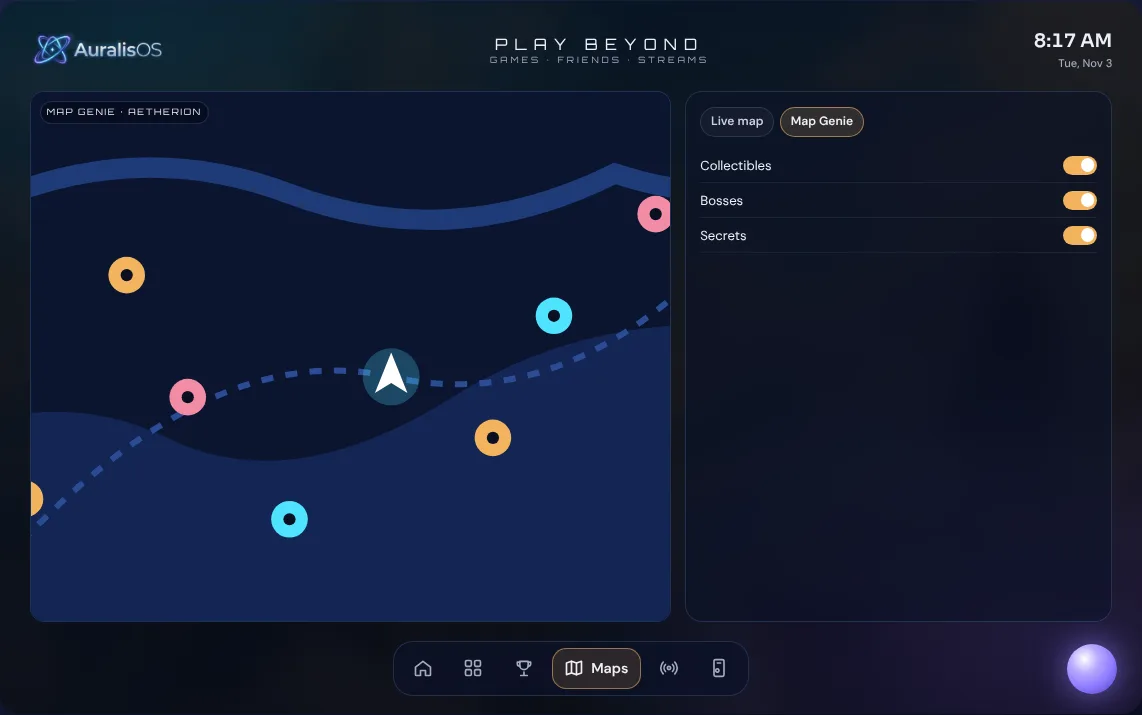 Companion · concept
Setting up the room…
Drag to look around
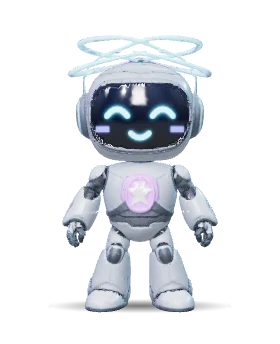
Drag to spin him. Tap him to say hi.
Giga · your AuralisOS buddy
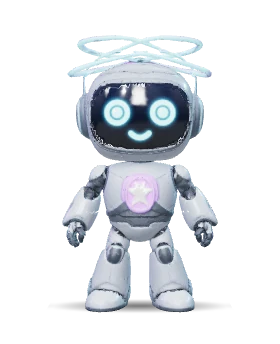
Giga helps you get the most out of AuralisOS, and he has a personality of his own. This is his real 3D model. Hang out with him like you can on the device: pet him, feed him star snacks, throw a dance party or let him nap. His Happy and Energy bars drop while you're away.
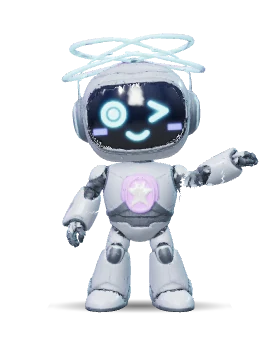
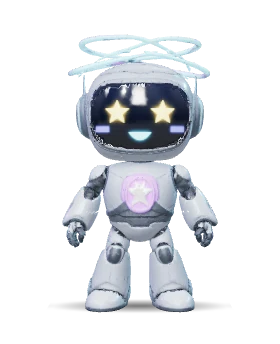
Move Giga to catch falling stars. Gold is 1, big stars are 5. Dodge the void rocks.
Arrow keys, mouse or drag to move.
Giga's Arcade
Tap Giga and say "let's play." Every game earns Star Power you can spend on his snacks. Try Star Catch right here.
Giga's room · updated in 0.17
Turn on Giga's room as the standby screen. He roams the whole room and picks something new every minute, while a panel flips through what's useful while you're away. It never starts while a game is running.
The hardware
AuralisOS is built for a dedicated touchscreen that lives beside your monitor. That's the first device. Anything beyond it is an idea for later.
A touchscreen for your desk. It sits beside your monitor, links to your gaming PC and runs AuralisOS with Giga built in.
Further down the road, a tablet version could take AuralisOS to the TV over HDMI, with controllers for retro games and Giga keeping you company when it's unplugged. It's an idea we're exploring, not a product, and it isn't planned to launch with the Companion.
Support the build
AuralisOS is built by one developer, one feature at a time. Every coffee on Ko-fi goes straight into development and gets the Companion closer to your desk.
Opens Ko-fi in a new tab. Any amount helps, and even sharing this page helps a lot.
Good questions
Who it's for:
Helix is a machine you play games on, and what's been shown runs on the same screen as the game. AuralisOS is the screen beside it, and it stays neutral instead of pointing back to one store. A big company moving into this space shows the problem is real.
You can open apps there, but nothing ties them to your game. AuralisOS knows what you're playing, switches your setup to match, shows that game's quests and notes, and lets you control the PC with a tap or by asking.
AuralisOS isn't trying to build a prettier library screen. It focuses on what a giant won't: neutrality, physical collections, deep customization, creator themes and control of your whole setup.
For the same reason people buy a Stream Deck or a second monitor: it saves time every session and makes the setup feel premium.
No. Your games run on your PC. AuralisOS is the companion beside it, so the main screen stays on the game.
Coming soon · Giga mobile app
AuralisOS stays on the companion screen. When you're away from it, Giga comes with you on your phone as a buddy who knows your setup. It isn't out yet.

PLAY BEYOND
The OS is being built and tested right now, and the Companion is next. Follow along as AuralisOS comes to life.